Snagit alternative for Mac screen recording
Screen Charm vs Snagit
Snagit by TechSmith is a screenshot and annotation tool with quick video capabilities. Screen Charm is a dedicated Mac screen recorder built around automatic zoom, motion blur, background music, and polished exports. Both run on Mac, but they solve very different problems.

Screen Charm
Polished Mac recordings
- Polished Mac screen recordings with automatic zoom
- Product demos, SaaS walkthroughs, and tutorials
- Motion blur, cursor effects, and background music
- Local 4K MP4 export with no subscription
- One-time $79 purchase
Public reviews: 4.8 ⭐ (Product Hunt)
Users: 750+ Mac users
🏆 #4 Product Hunt Daily

Snagit
Product website- Screenshot capture, markup, and annotation
- Scrolling capture of full web pages
- Quick short videos and GIF creation
- AI-powered step capture and smart redact
- Organizing captures in a searchable library
Public reviews: 4.7 ⭐ (G2)
Similar to: CleanShot X (Windows-first)
Typical users: Technical writers, support teams
TLDR: Snagit is TechSmith's screen capture and annotation tool, trusted by Fortune 500 companies and used by millions for documentation, how-to guides, and team communication. At $39 per year it covers screenshots, scrolling capture, quick videos, GIF export, and AI-powered annotation tools like smart redact and step capture.
Screen Charm is a dedicated screen recorder focused entirely on making Mac screen recordings look professionally polished. It automatically zooms on every click, adds motion blur, smooths cursor movement, and lets you add background music, webcam overlay, and device frames without any post-production.
Snagit is better for screenshots, documentation, and short videos. Screen Charm is better for longer polished Mac product demos and tutorials where every click needs to look intentional and clean. If you primarily capture and annotate screenshots, Snagit wins. If you record screen demos that need to impress, Screen Charm wins.
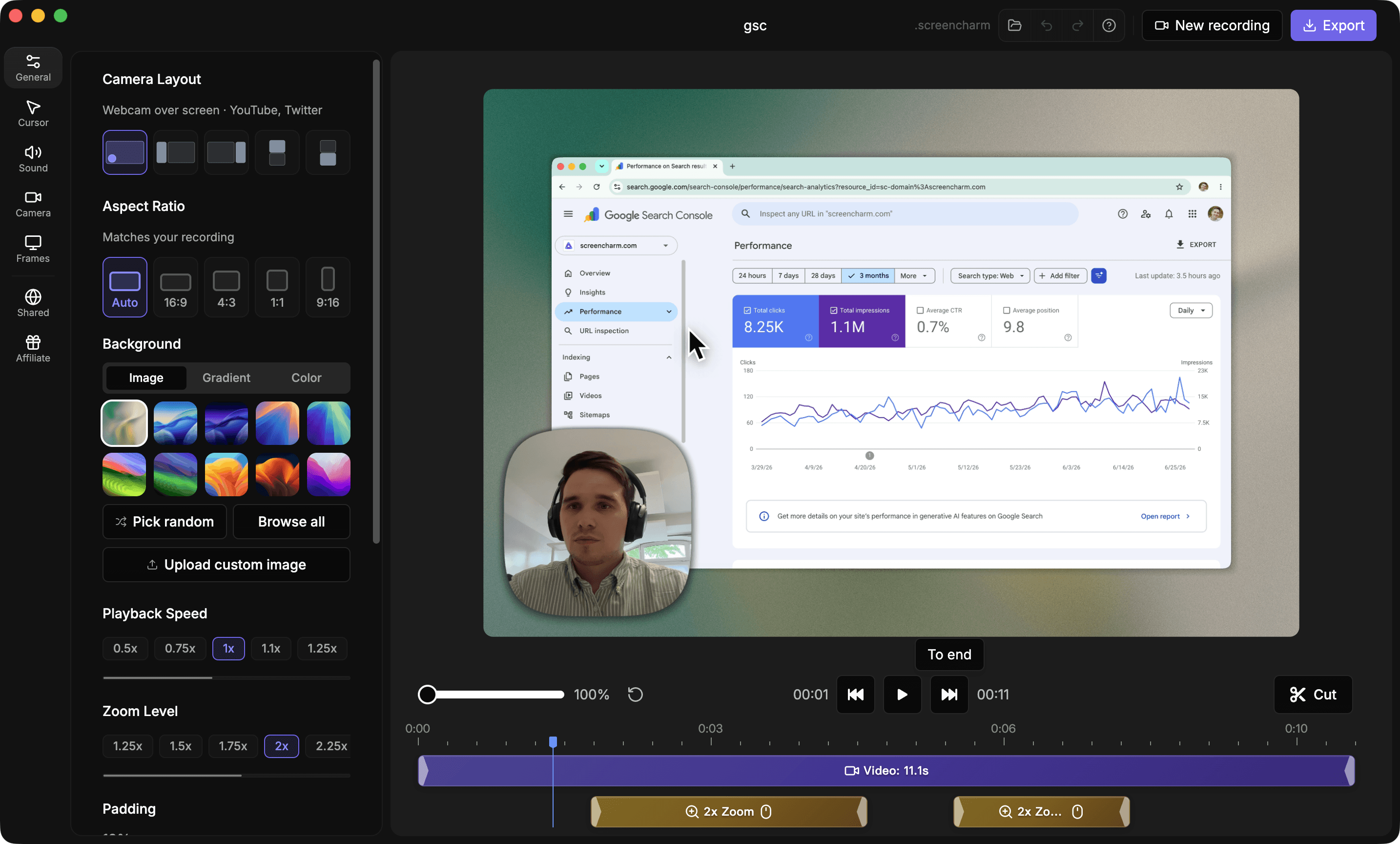
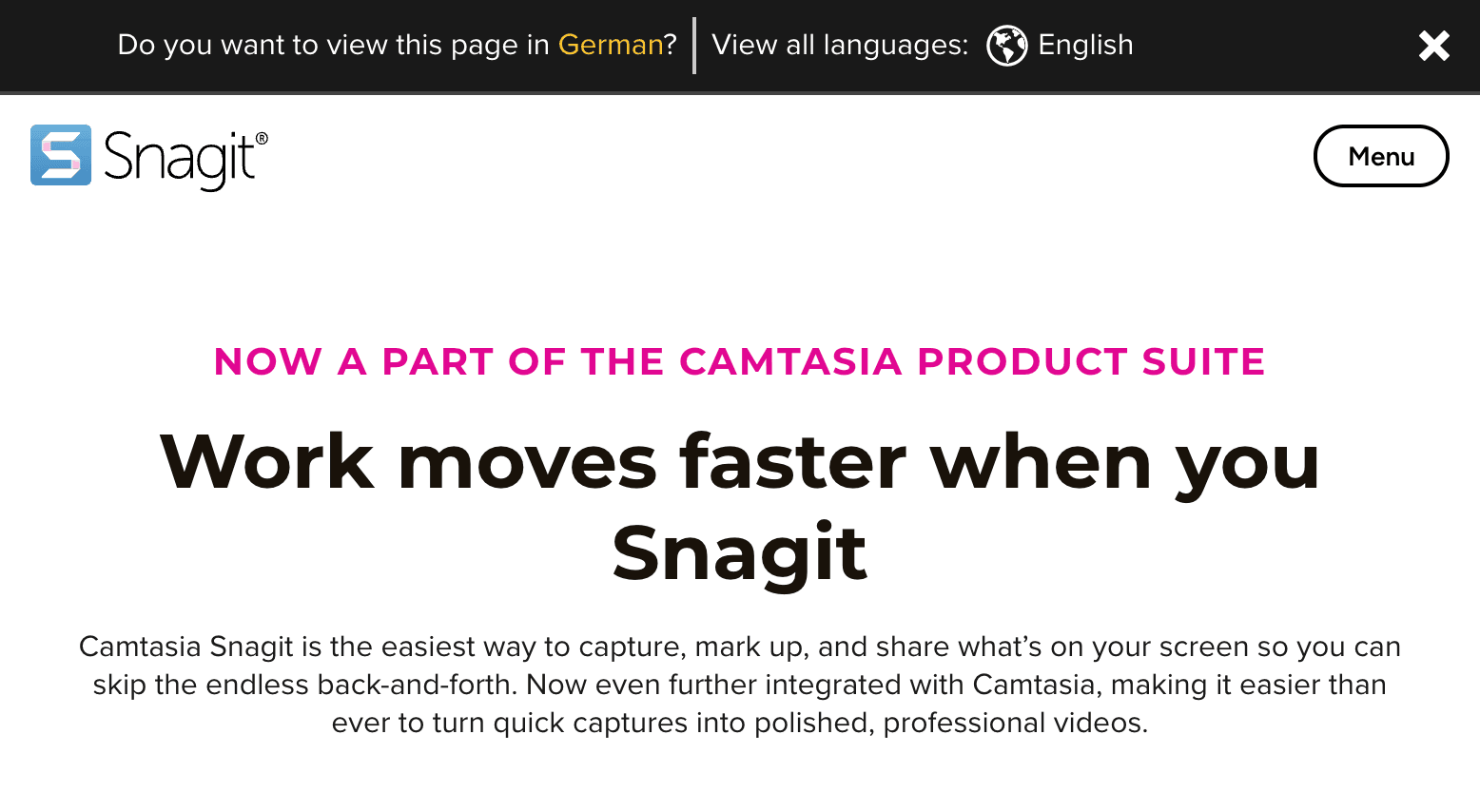
Landing page previews
See the products side by side
A quick visual look at the Screen Charm homepage and the Snagit landing page before you compare features, pricing, and workflow.
Use Screen Charm when
You make longer Mac screen recordings for demos and tutorials and want automatic zoom, motion blur, background music, and polished local 4K export without a subscription.
Use Snagit when
You primarily capture and annotate screenshots, create quick short videos, and need a searchable library with AI tools like scrolling capture, step capture, and smart redact.
Screen Charm vs Snagit: feature comparison
A practical side-by-side for Mac creators comparing polish, pricing, recording workflow, export control, and sharing.
Pricing
One-time purchase
Screen Charm
Snagit
Annual subscription
Screen Charm
Snagit
Free trial available
Screen Charm
Snagit
Available for Mac and Windows
Screen Charm
Snagit
Screen Recording
Automatic zoom on clicks
Screen Charm
Snagit
Cursor spotlight and effects
Screen Charm
Snagit
Automatic motion blur
Screen Charm
Snagit
Background music
Screen Charm
Snagit
Webcam overlay (picture-in-picture)
Screen Charm
Snagit
System audio capture
Screen Charm
Snagit
4K recording and export
Screen Charm
Snagit
GIF export
Screen Charm
Snagit
Screenshot and Annotation
Screenshot capture
Screen Charm
Snagit
Scrolling capture
Screen Charm
Snagit
Arrow, text, and highlight markup
Screen Charm
Snagit
AI step capture
Screen Charm
Snagit
AI smart redact (blur sensitive info)
Screen Charm
Snagit
Searchable capture library
Screen Charm
Snagit
Export & Sharing
Local MP4 export
Screen Charm
Snagit
Device frames
Screen Charm
Snagit
Branded backgrounds
Screen Charm
Snagit
Instant link sharing
Screen Charm
Snagit
No cloud upload required
Screen Charm
Snagit
| Feature |  |  |
|---|---|---|
| Pricing | ||
| One-time purchase | ||
| Annual subscription | ||
| Free trial available | 15-day trial | |
| Available for Mac and Windows | Mac only | |
| Screen Recording | ||
| Automatic zoom on clicks | ||
| Cursor spotlight and effects | ||
| Automatic motion blur | ||
| Background music | ||
| Webcam overlay (picture-in-picture) | ||
| System audio capture | ||
| 4K recording and export | ||
| GIF export | ||
| Screenshot and Annotation | ||
| Screenshot capture | ||
| Scrolling capture | ||
| Arrow, text, and highlight markup | ||
| AI step capture | ||
| AI smart redact (blur sensitive info) | ||
| Searchable capture library | ||
| Export & Sharing | ||
| Local MP4 export | ||
| Device frames | ||
| Branded backgrounds | ||
| Instant link sharing | ||
| No cloud upload required | ||
Snagit
$39/year (subscription only, no perpetual license)
Snagit moved to subscription-only in 2025. Screen Charm is a one-time $79 purchase that includes future updates.
Price takeaway
After two years, Snagit costs more than Screen Charm. Screen Charm also focuses on recording polish while Snagit focuses on screenshots and annotations.
Key differences between Screen Charm and Snagit
Screen recorder vs screenshot tool
Screen Charm: Dedicated screen recorder focused on making video recordings look polished automatically.
Snagit: Primarily a screenshot capture and annotation tool that also offers quick video and GIF recording.
Automatic visual enhancements
Screen Charm: Automatically zooms on clicks, adds motion blur, smooths the cursor, and applies background music during recording.
Snagit: No automatic zoom or motion blur for recordings. Video polish requires manual editing after capture.
Pricing model
Screen Charm: One-time $79 purchase. No subscription, no recurring cost.
Snagit: Annual subscription at $39/year. Access stops if you cancel. No perpetual license available since 2025.
Choose Screen Charm if
- You primarily record screen videos rather than screenshots.
- You want automatic zoom, motion blur, and cursor effects without editing.
- You need local 4K MP4 export.
- You prefer one-time pricing over an annual subscription.
- You create product demos, tutorials, or SaaS walkthroughs.
Choose Snagit if
- You capture and annotate screenshots more than you record video.
- You need scrolling capture for full web pages.
- You want AI-powered step capture and smart redact.
- You need GIF export from video clips.
- You want a searchable library for all your captures.
Frequently asked questions
Is Snagit a good screen recorder?
Snagit can record short video clips with webcam overlay, but it is primarily a screenshot and annotation tool. It does not have automatic zoom, motion blur, or background music. For polished Mac screen recording demos, Screen Charm is a better fit.
Does Snagit have a one-time purchase option?
No. TechSmith moved Snagit to subscription-only pricing in 2025 at $39 per year. There is no longer a perpetual license. Screen Charm is a one-time $79 purchase.
Can Snagit record 4K video?
Snagit does not explicitly advertise 4K video recording. It focuses on screenshots and quick clips. Screen Charm supports 4K recording and local MP4 export on Mac.
What is the difference between Snagit and Camtasia?
Snagit is for quick screenshots, annotations, and short clips. Camtasia is TechSmith's full video editor for longer, more polished productions with multi-track editing. Screen Charm sits between the two: it records polished demos automatically without the complexity of a full video editor.
Compare Screen Charm with other tools
Create polished Mac recordings for a one-time price
Screen Charm gives you auto-zoom, captions, pause and resume, webcam overlay, system audio, cursor effects, and 4K export without a monthly subscription.