Bandicam alternative for Mac
Screen Charm vs Bandicam
Bandicam is a popular Windows screen and game recorder known for high-FPS capture and low CPU usage. Screen Charm is a native Mac app built for polished product demos with automatic zoom, motion blur, background music, and local 4K export. These two tools serve very different platforms and use cases.

Screen Charm
Polished Mac recordings
- Polished Mac product demos and tutorials
- Automatic zoom, motion blur, and cursor effects
- Background music and webcam overlay
- Local 4K MP4 export
- One-time $79 purchase, no annual renewal
Public reviews: 4.8 ⭐ (Product Hunt)
Users: 750+ Mac users
🏆 #4 Product Hunt Daily

Bandicam
Product website- Windows game recording at up to 480 FPS
- High-performance 4K UHD game capture
- Real-time drawing and mouse effects
- Scheduled and device recording on Windows
- Low CPU and GPU overhead during gameplay
Public reviews: 4.4 ⭐ (G2)
Similar to: OBS Studio, Fraps
Typical users: Gamers, Windows screen recorders
TLDR: Bandicam is a Windows-only screen and game recorder. It is well-regarded for capturing gameplay at up to 480 FPS and 4K UHD with low system overhead. Personal licenses cost around $33/year or $45 for a perpetual version. A separate Mac version exists but is a basic App Store app with far fewer features than the Windows edition.
Screen Charm runs natively on Mac. It is not a game recorder. It is designed to make software product demos and tutorials look polished with automatic zoom on clicks, cursor effects, motion blur, background music, webcam overlay, and a built-in trim editor.
These tools do not really compete. Bandicam is for Windows gamers and content creators. Screen Charm is for Mac founders, designers, and developers making professional-looking screen recordings. If you are on a Mac and do not record gameplay, Screen Charm is the clear choice.
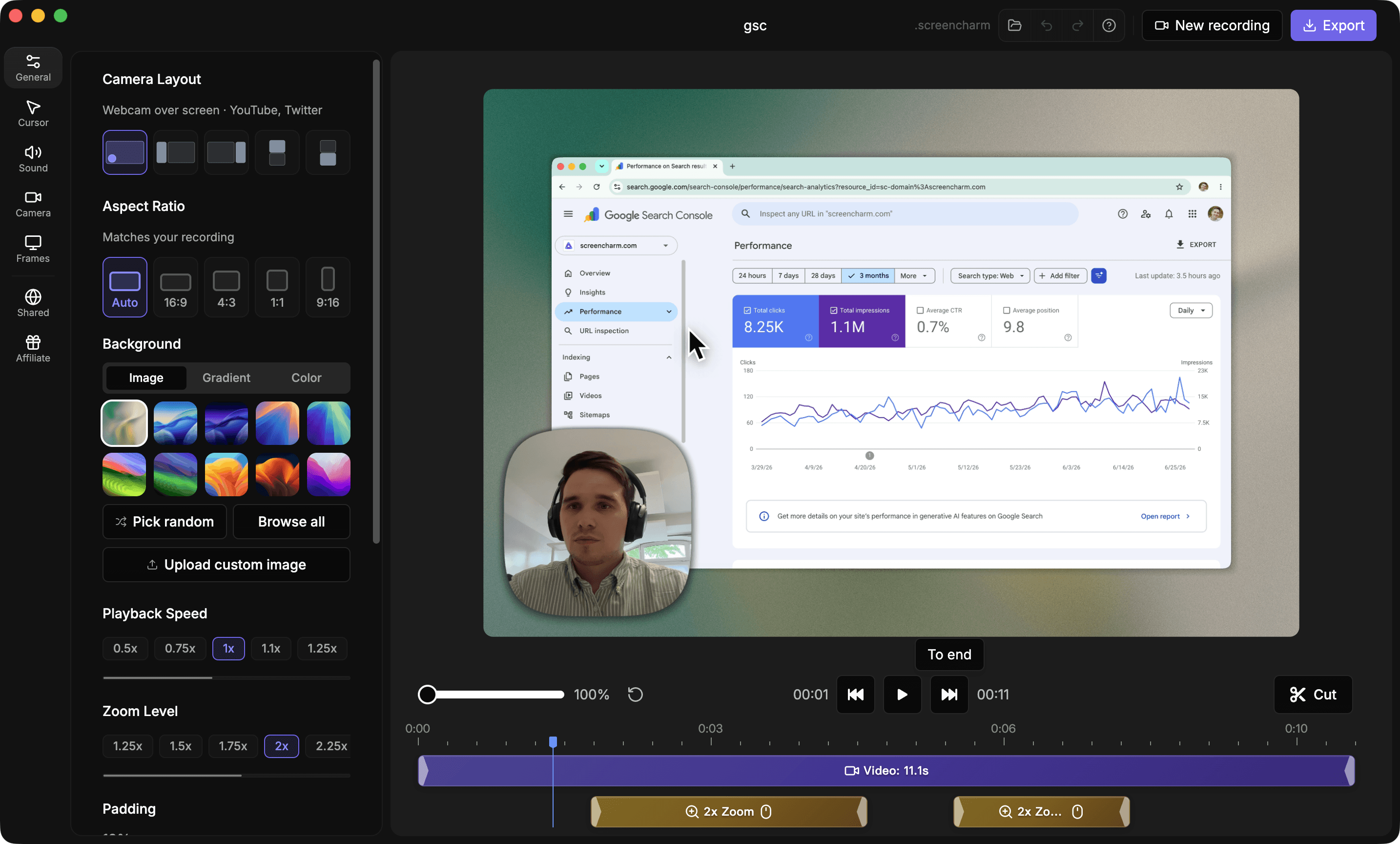
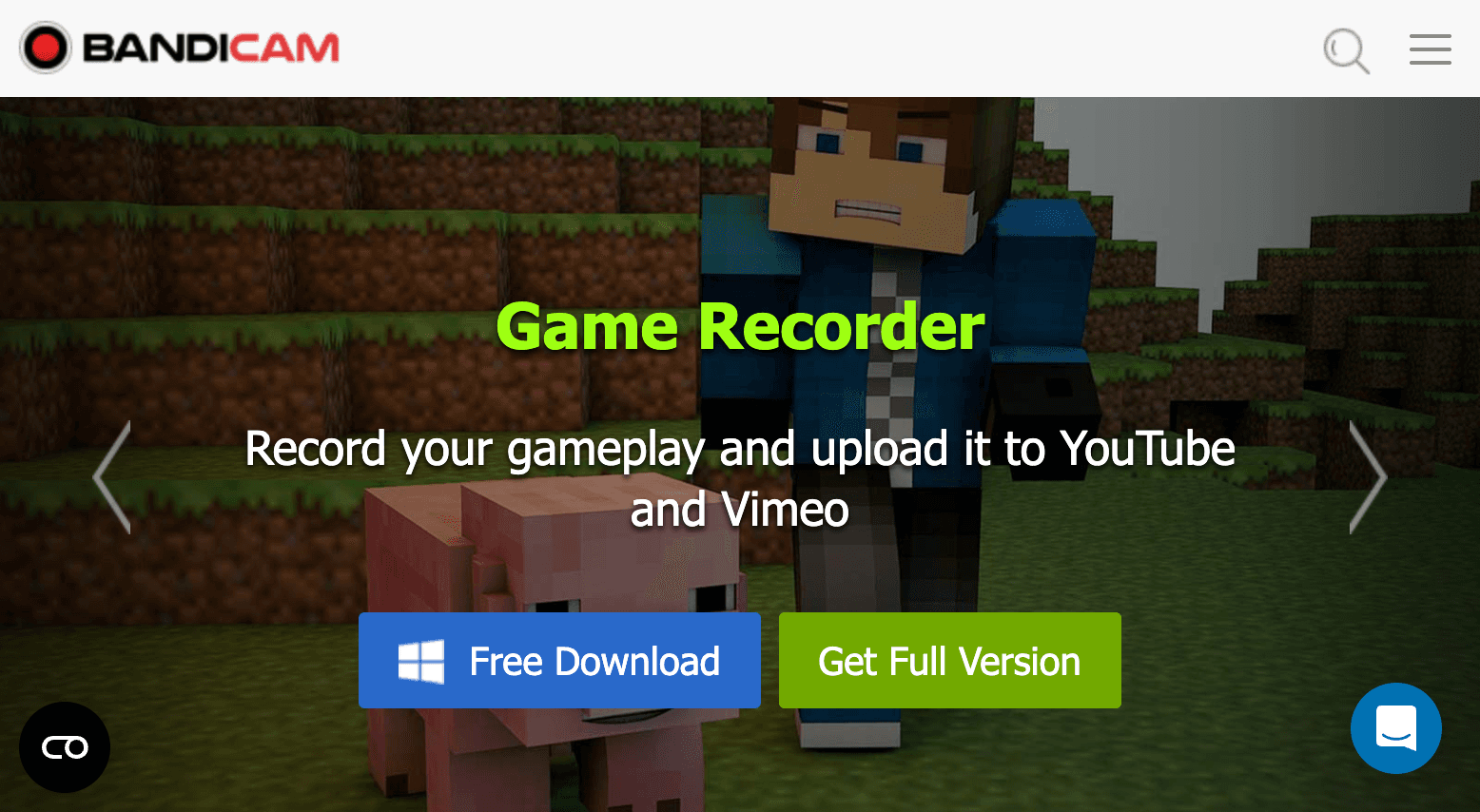
Landing page previews
See the products side by side
A quick visual look at the Screen Charm homepage and the Bandicam landing page before you compare features, pricing, and workflow.
Use Screen Charm when
You are on a Mac and want polished screen recordings with auto-zoom, cursor effects, motion blur, and background music for product demos or tutorials.
Use Bandicam when
You are on Windows and need high-performance screen or game recording at high FPS with low system overhead.
Screen Charm vs Bandicam: feature comparison
A practical side-by-side for Mac creators comparing polish, pricing, recording workflow, export control, and sharing.
Platform
macOS native app
Screen Charm
Bandicam
Windows native app
Screen Charm
Bandicam
Full feature set on Mac
Screen Charm
Bandicam
No subscription required
Screen Charm
Bandicam
Recording
Screen recording
Screen Charm
Bandicam
Game recording (DirectX/OpenGL/Vulkan)
Screen Charm
Bandicam
High-FPS recording (up to 480 FPS)
Screen Charm
Bandicam
4K UHD recording
Screen Charm
Bandicam
Webcam overlay
Screen Charm
Bandicam
System and mic audio
Screen Charm
Bandicam
Scheduled recording
Screen Charm
Bandicam
Visual Polish
Automatic zoom on clicks
Screen Charm
Bandicam
Cursor spotlight and effects
Screen Charm
Bandicam
Automatic motion blur
Screen Charm
Bandicam
Background music
Screen Charm
Bandicam
Branded backgrounds
Screen Charm
Bandicam
Device frames
Screen Charm
Bandicam
Real-time drawing on screen
Screen Charm
Bandicam
Editing & Export
Built-in trim editor
Screen Charm
Bandicam
Export to MP4
Screen Charm
Bandicam
Export to AVI
Screen Charm
Bandicam
Local export, no cloud required
Screen Charm
Bandicam
| Feature |  |  |
|---|---|---|
| Platform | ||
| macOS native app | Separate Mac App Store purchase | |
| Windows native app | ||
| Full feature set on Mac | ||
| No subscription required | ||
| Recording | ||
| Screen recording | ||
| Game recording (DirectX/OpenGL/Vulkan) | ||
| High-FPS recording (up to 480 FPS) | ||
| 4K UHD recording | ||
| Webcam overlay | ||
| System and mic audio | ||
| Scheduled recording | ||
| Visual Polish | ||
| Automatic zoom on clicks | ||
| Cursor spotlight and effects | Mouse click effects | |
| Automatic motion blur | ||
| Background music | ||
| Branded backgrounds | ||
| Device frames | ||
| Real-time drawing on screen | ||
| Editing & Export | ||
| Built-in trim editor | ||
| Export to MP4 | ||
| Export to AVI | ||
| Local export, no cloud required | ||
Bandicam
Personal: $33.26/yr or $44.96 perpetual (2025 version)
Bandicam for Windows is priced per-year or as a perpetual license for the current version. A separate Mac version is sold on the Mac App Store.
Price takeaway
Both tools are similarly priced in the one-time range, but they target completely different platforms and use cases.
Key differences between Screen Charm and Bandicam
Mac vs Windows
Screen Charm: Native Mac app with full features on macOS Sonoma and Sequoia.
Bandicam: Full-featured Windows app. The Mac version is a basic App Store app that lacks most Bandicam features.
Product demos vs game recording
Screen Charm: Designed for polished software demos with automatic zoom, motion blur, and background music.
Bandicam: Designed for high-performance game capture with minimal overhead at up to 480 FPS.
Visual polish
Screen Charm: Auto-zoom, cursor effects, motion blur, background music, branded backgrounds, and device frames.
Bandicam: Real-time drawing, mouse click animations, and webcam overlay. No automated visual enhancements for demos.
Choose Screen Charm if
- You are on a Mac.
- You record product demos, tutorials, or SaaS walkthroughs.
- You want automatic zoom, motion blur, and background music.
- You need local 4K MP4 export with a built-in editor.
- You want a polished result without game recording features.
Choose Bandicam if
- You are on Windows.
- You record gameplay at high frame rates.
- You need DirectX, OpenGL, or Vulkan game capture.
- You want real-time drawing and scheduled recording.
- You record from external devices like consoles or webcams.
Frequently asked questions
Is Bandicam available for Mac?
A basic Bandicam app exists on the Mac App Store, but it lacks most of the features found in the Windows version. Bandicam is primarily a Windows screen recorder. Screen Charm is a full-featured native Mac app.
Can Bandicam record 4K?
Yes. Bandicam for Windows supports 4K UHD recording and high-FPS capture up to 480 FPS. Screen Charm also supports 4K on Mac but is focused on polished demos rather than high-FPS game capture.
Does Bandicam add automatic zoom?
No. Bandicam does not automatically zoom on clicks during recording. Screen Charm's automatic zoom is specifically designed to highlight interactions in software demos and tutorials.
What is Bandicam used for?
Bandicam is mainly used for recording Windows games and desktop activity with low CPU overhead. Screen Charm is used for recording polished Mac product demos and tutorials with automatic visual enhancements.
Compare Screen Charm with other tools
Create polished Mac recordings for a one-time price
Screen Charm gives you auto-zoom, captions, pause and resume, webcam overlay, system audio, cursor effects, and 4K export without a monthly subscription.