Clipchamp alternative for Mac screen recordings
Screen Charm vs Clipchamp
Clipchamp is Microsoft's free browser-based video editor with a built-in screen recorder. Screen Charm is a native Mac app focused on polished screen recordings with automatic zoom, motion blur, background music, and webcam overlay, exported locally without uploading to the cloud.

Screen Charm
Polished Mac recordings
- Native Mac screen recordings with automatic zoom
- No upload, everything stays local on your Mac
- Cursor effects, motion blur, and background music
- Local 4K MP4 export
- One-time $79 purchase, no Microsoft account needed
Public reviews: 4.8 ⭐ (Product Hunt)
Users: 750+ Mac users
🏆 #4 Product Hunt Daily

Clipchamp
Product website- Free browser-based recording and editing
- AI voiceover and subtitle generation
- Stock video, music, and image library
- Social media content creation
- Windows users already in the Microsoft ecosystem
Public reviews: 4.1 ⭐ (G2)
Similar to: iMovie, Kapwing
Typical users: Windows users, casual video creators
TLDR: Clipchamp is a free online video editor from Microsoft with a screen recording feature built in. It runs in your browser, is free with a Microsoft account, and exports up to 1080p on the free plan. It has solid editing tools: text, transitions, AI voiceover, subtitle generation, and a stock library.
Screen Charm is not a video editor. It is a dedicated Mac screen recorder that makes recordings look polished automatically: zoom on clicks, cursor effects, motion blur, background music, and webcam overlay, all with no post-production required. Everything stays local on your Mac.
Clipchamp is the better pick if you are on Windows or want a full video editor for social media content. Screen Charm is better if you record on a Mac and want the cleanest possible screen demo or tutorial without editing time.
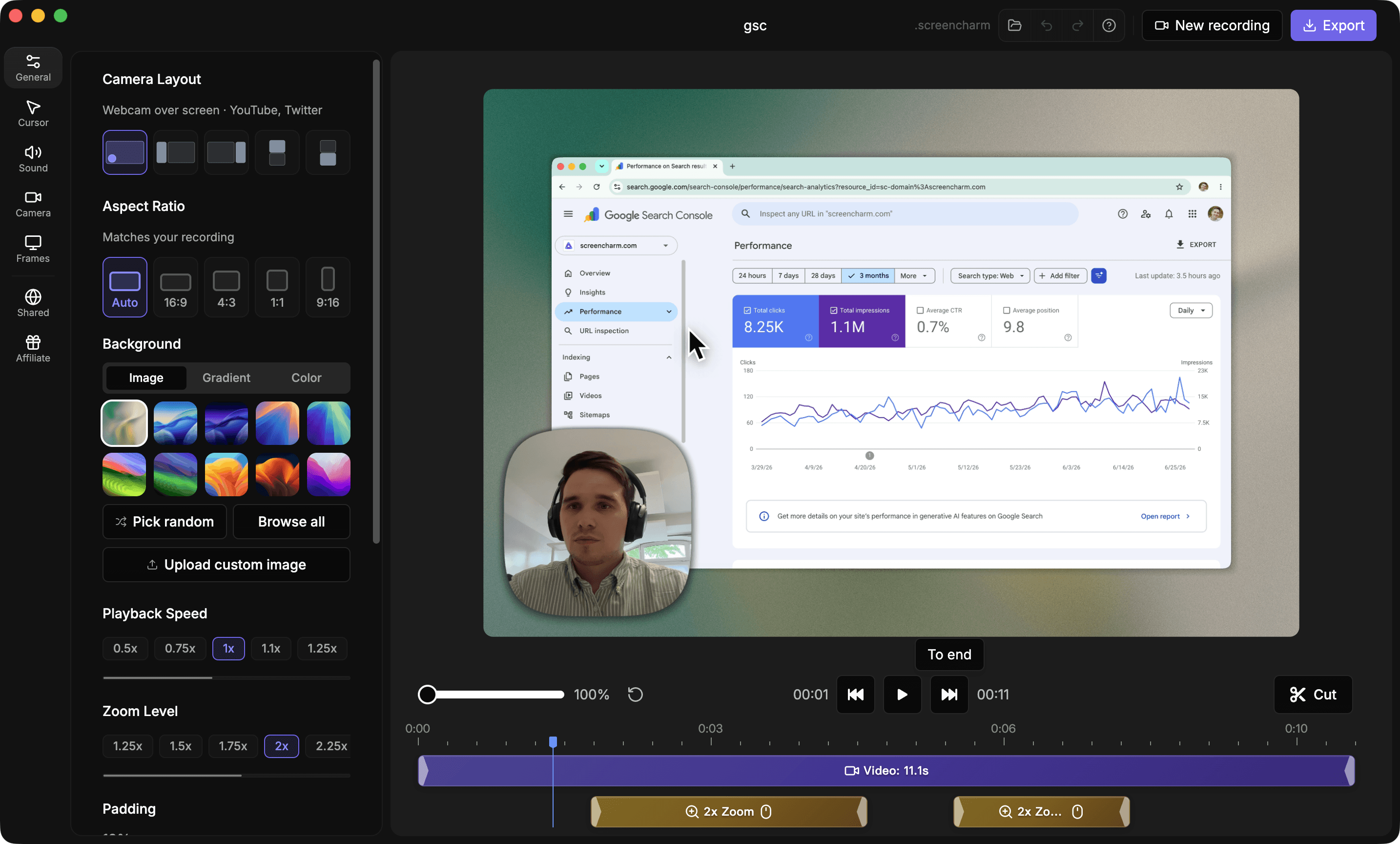
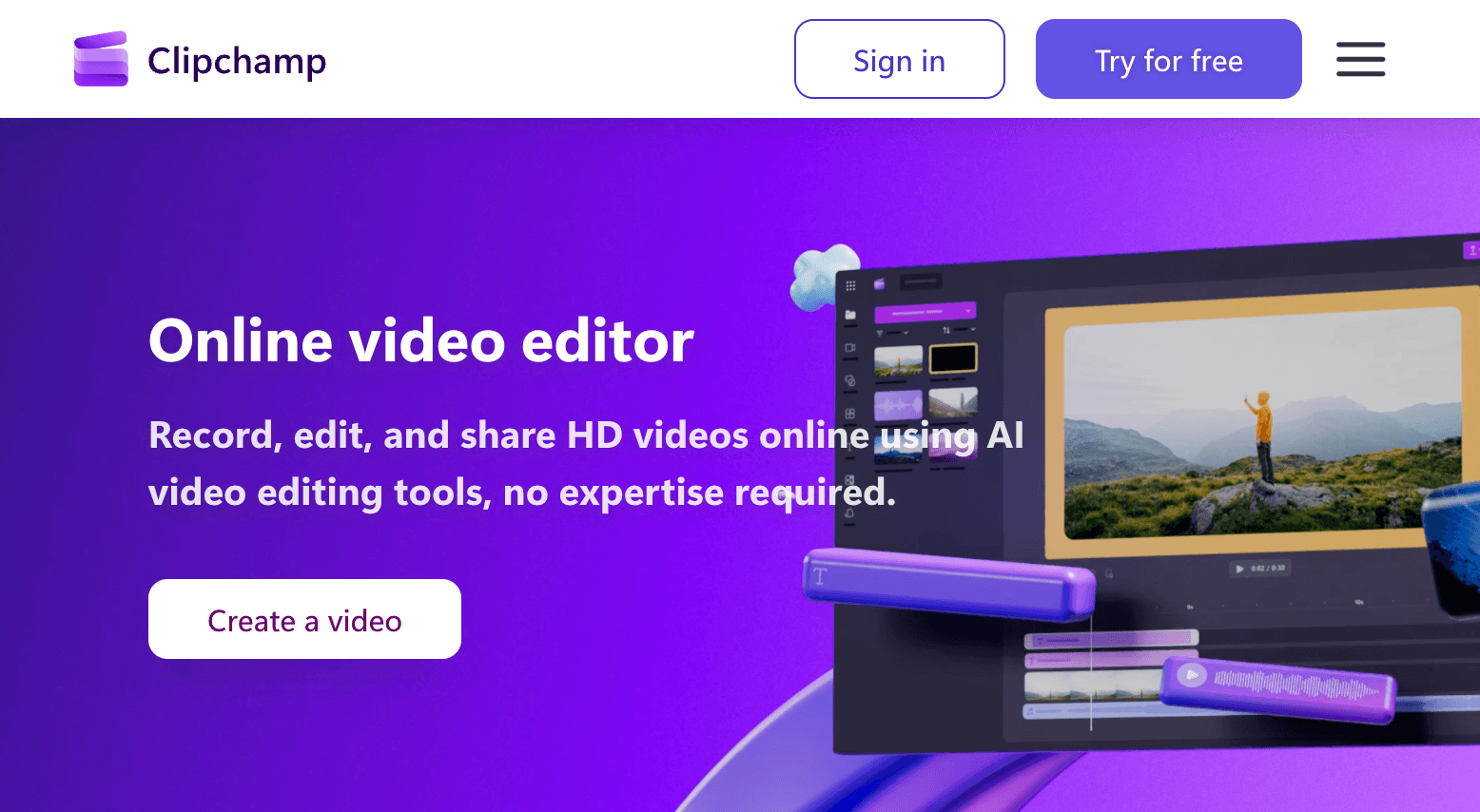
Landing page previews
See the products side by side
A quick visual look at the Screen Charm homepage and the Clipchamp landing page before you compare features, pricing, and workflow.
Use Screen Charm when
You want polished Mac screen recordings with auto-zoom, local 4K export, and no cloud upload or subscription. Ideal for product demos and tutorials.
Use Clipchamp when
You want a free browser-based video editor with recording, AI voiceover, subtitles, and a stock library, especially on Windows.
Screen Charm vs Clipchamp: feature comparison
A practical side-by-side for Mac creators comparing polish, pricing, recording workflow, export control, and sharing.
Pricing
One-time purchase
Screen Charm
Clipchamp
Free tier available
Screen Charm
Clipchamp
Subscription required for 4K
Screen Charm
Clipchamp
Microsoft account required
Screen Charm
Clipchamp
Recording
Native Mac app
Screen Charm
Clipchamp
Browser-based recording
Screen Charm
Clipchamp
System audio capture
Screen Charm
Clipchamp
Webcam overlay
Screen Charm
Clipchamp
Works offline
Screen Charm
Clipchamp
4K recording and export
Screen Charm
Clipchamp
Visual Polish
Automatic zoom on clicks
Screen Charm
Clipchamp
Cursor spotlight and effects
Screen Charm
Clipchamp
Automatic motion blur
Screen Charm
Clipchamp
Background music library
Screen Charm
Clipchamp
Branded backgrounds
Screen Charm
Clipchamp
Device frames
Screen Charm
Clipchamp
Editing
Built-in trim editor
Screen Charm
Clipchamp
Text and titles overlay
Screen Charm
Clipchamp
Transitions and effects
Screen Charm
Clipchamp
AI voiceover generator
Screen Charm
Clipchamp
AI subtitle generator
Screen Charm
Clipchamp
Stock video and music library
Screen Charm
Clipchamp
Export & Privacy
Local MP4 export
Screen Charm
Clipchamp
No cloud upload required
Screen Charm
Clipchamp
Instant link sharing
Screen Charm
Clipchamp
Works without account
Screen Charm
Clipchamp
| Feature |  |  |
|---|---|---|
| Pricing | ||
| One-time purchase | ||
| Free tier available | ||
| Subscription required for 4K | ||
| Microsoft account required | ||
| Recording | ||
| Native Mac app | ||
| Browser-based recording | ||
| System audio capture | Browser tab audio | |
| Webcam overlay | ||
| Works offline | ||
| 4K recording and export | Microsoft 365 required | |
| Visual Polish | ||
| Automatic zoom on clicks | ||
| Cursor spotlight and effects | ||
| Automatic motion blur | ||
| Background music library | ||
| Branded backgrounds | ||
| Device frames | ||
| Editing | ||
| Built-in trim editor | ||
| Text and titles overlay | ||
| Transitions and effects | ||
| AI voiceover generator | ||
| AI subtitle generator | ||
| Stock video and music library | ||
| Export & Privacy | ||
| Local MP4 export | ||
| No cloud upload required | ||
| Instant link sharing | ||
| Works without account | ||
Clipchamp
Free with Microsoft account; higher resolution requires Microsoft 365
Clipchamp is free for 1080p exports. 4K and premium features require a Microsoft 365 subscription.
Price takeaway
Clipchamp is free but cloud-based and designed for editing. Screen Charm is $79 once and focused entirely on making recordings look great with zero editing required.
Key differences between Screen Charm and Clipchamp
Recorder vs video editor
Screen Charm: Focused screen recorder that makes demos look polished automatically with zoom, blur, and music.
Clipchamp: Full online video editor with recording as one feature among many, plus AI tools and stock assets.
Native Mac vs browser-based
Screen Charm: Runs natively on Mac, works offline, keeps all files local. No account required.
Clipchamp: Browser-based. Files are uploaded and processed in the cloud. Requires a Microsoft account.
Auto-zoom and visual effects
Screen Charm: Automatically zooms on each click during recording, adds cursor effects and motion blur.
Clipchamp: No automatic zoom or cursor effects. Visual polish requires manual editing.
Choose Screen Charm if
- You record on a Mac and want polished results without editing.
- You want automatic zoom to highlight every click.
- You need local 4K MP4 export without cloud upload.
- You prefer a one-time purchase over a subscription or cloud account.
- You record product demos, tutorials, or SaaS walkthroughs.
Choose Clipchamp if
- You want a free online video editor with recording included.
- You need AI voiceover, subtitles, and transitions.
- You create social media content and need a stock library.
- You are on Windows and already use Microsoft 365.
- You want heavy editing capabilities alongside recording.
Frequently asked questions
Is Clipchamp available on Mac?
Clipchamp works in browsers on both Mac and Windows. A dedicated desktop app is only available on Windows 10 and 11. Screen Charm is a dedicated native Mac app.
Does Clipchamp record in 4K?
4K export in Clipchamp requires a Microsoft 365 subscription. The free plan is capped at 1080p. Screen Charm supports 4K recording and local export with a one-time $79 purchase.
Can Clipchamp capture system audio on Mac?
Clipchamp can capture audio from a browser tab, but capturing full system audio on Mac is limited compared to a native app. Screen Charm captures system audio natively on Mac.
Which is better for product demos, Screen Charm or Clipchamp?
Screen Charm is better for Mac product demos because it adds automatic zoom, cursor effects, motion blur, and background music during recording with no editing required. Clipchamp is better if you also need text overlays, stock footage, AI voiceover, or subtitles in the same tool.
Compare Screen Charm with other tools
Create polished Mac recordings for a one-time price
Screen Charm gives you auto-zoom, captions, pause and resume, webcam overlay, system audio, cursor effects, and 4K export without a monthly subscription.