Movavi Screen Recorder alternative for Mac
Screen Charm vs Movavi Screen Recorder
Movavi Screen Recorder is a straightforward recorder for Windows and Mac with scheduled recording, drawing tools, and flexible export formats. Screen Charm turns Mac recordings into polished videos automatically with auto-zoom, motion blur, and background music for one $79 price.

Screen Charm
Polished Mac recordings
- Polished Mac demos with automatic zoom
- Motion blur, branded backgrounds, and background music
- Future updates included in the $79 price
- Local 4K MP4 export
- A fast record-to-export workflow
Public reviews: 4.8 ⭐ (Product Hunt)
Users: 750+ Mac users
🏆 #4 Product Hunt Daily
Movavi Screen Recorder
Product website- Recording on Windows and Mac with one tool
- Scheduled recordings that start on their own
- Drawing on screen while you record
- Exporting to MP4, AVI, MOV, MKV, GIF, or MP3
Similar to: Icecream Screen Recorder, Bandicam
Typical users: Casual recorders on Windows and Mac
TLDR: Movavi Screen Recorder captures your screen, system audio, microphone, and webcam in up to 4K, with scheduled recordings, real-time drawing, and export to MP4, AVI, MOV, MKV, and GIF. It runs on Windows 10/11 and macOS, including Apple Silicon.
Its listed licenses are a monthly or yearly subscription, or a lifetime license at $69.95 for one computer. The lifetime license covers the version you buy and does not include later major versions. A free trial adds a watermark.
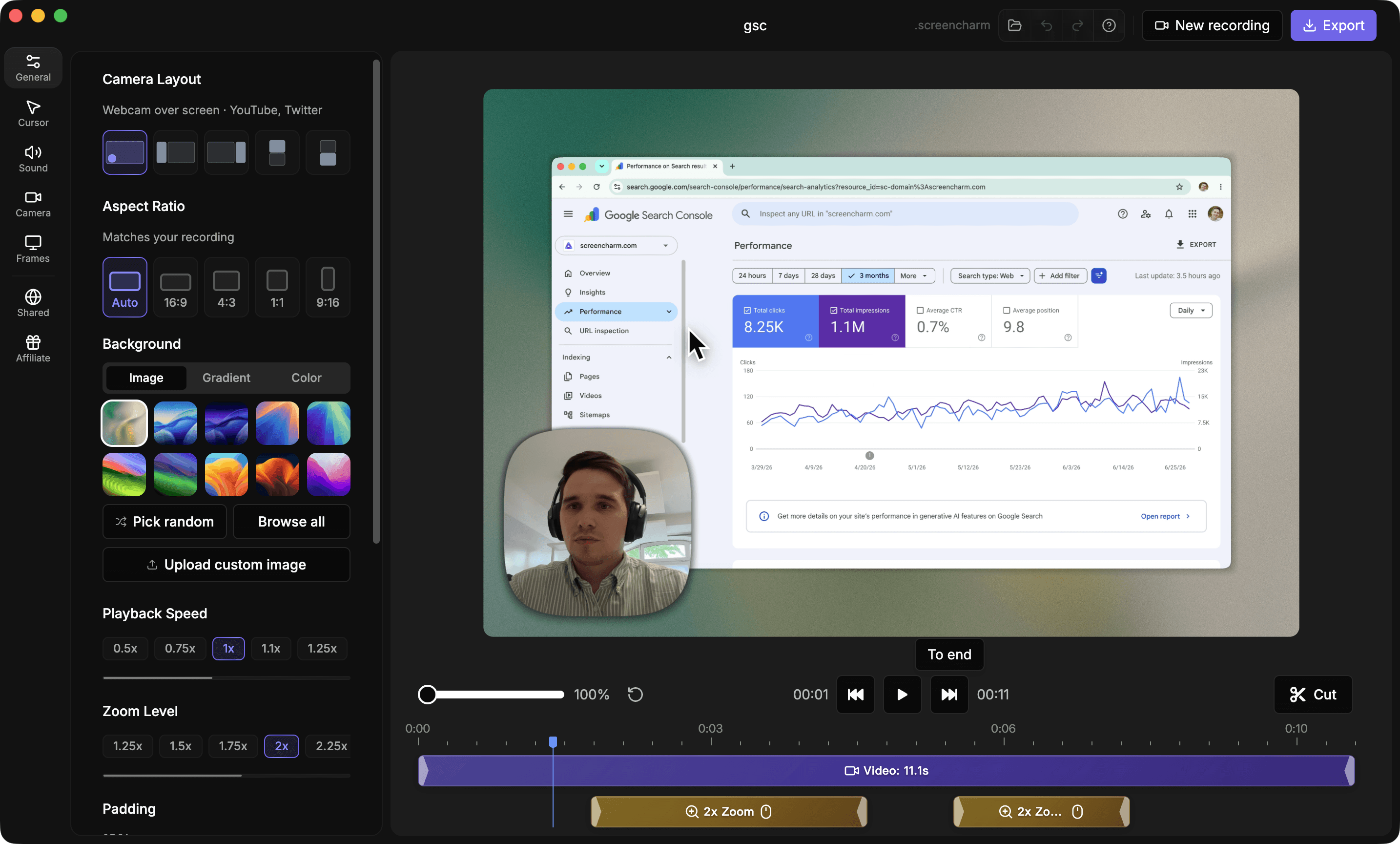
Screen Charm is Mac-only and focused on polish: it zooms on clicks automatically, adds motion blur, backgrounds, and background music, and exports 4K MP4. It costs $79 once and includes future updates. Choose Movavi for scheduled recordings and Windows support, and Screen Charm for polished Mac demos.
Landing page previews
See the products side by side
A quick visual look at the Screen Charm homepage and the Movavi Screen Recorder landing page before you compare features, pricing, and workflow.
Use Screen Charm when
You record on a Mac and want recordings that look finished with automatic zoom, motion blur, and background music, with future updates included.
Use Movavi when
You need scheduled recordings, on-screen drawing, many export formats, or the same tool on Windows.
Screen Charm vs Movavi Screen Recorder: feature comparison
A practical side-by-side for Mac creators comparing polish, pricing, recording workflow, export control, and sharing.
Pricing
One-time purchase
Screen Charm
Movavi Screen Recorder
Future major versions included
Screen Charm
Movavi Screen Recorder
Subscription option
Screen Charm
Movavi Screen Recorder
Free trial
Screen Charm
Movavi Screen Recorder
Recording
Automatic zoom on clicks
Screen Charm
Movavi Screen Recorder
System audio and microphone
Screen Charm
Movavi Screen Recorder
Webcam overlay
Screen Charm
Movavi Screen Recorder
Scheduled recording
Screen Charm
Movavi Screen Recorder
Real-time drawing on screen
Screen Charm
Movavi Screen Recorder
Visual Polish
Automatic motion blur
Screen Charm
Movavi Screen Recorder
Branded backgrounds
Screen Charm
Movavi Screen Recorder
Background music
Screen Charm
Movavi Screen Recorder
Platform & Export
Native Mac app
Screen Charm
Movavi Screen Recorder
Windows version
Screen Charm
Movavi Screen Recorder
4K export
Screen Charm
Movavi Screen Recorder
Export formats
Screen Charm
Movavi Screen Recorder
| Feature |  | M Movavi Screen Recorder |
|---|---|---|
| Pricing | ||
| One-time purchase | $69.95 (current version) | |
| Future major versions included | ||
| Subscription option | ||
| Free trial | 7 days, watermarked | |
| Recording | ||
| Automatic zoom on clicks | ||
| System audio and microphone | ||
| Webcam overlay | ||
| Scheduled recording | ||
| Real-time drawing on screen | ||
| Visual Polish | ||
| Automatic motion blur | ||
| Branded backgrounds | ||
| Background music | ||
| Platform & Export | ||
| Native Mac app | ||
| Windows version | ||
| 4K export | ||
| Export formats | MP4 | MP4, AVI, MOV, MKV, GIF, MP3 |
Movavi Screen Recorder
$69.95 lifetime or ~$45/yr, for 1 computer
Movavi lists a monthly subscription, a yearly subscription (a promotional price and a higher regular price both appear on its site), and a $69.95 lifetime license for one computer. The lifetime license covers the purchased version and not later major versions, and by default a license is for one computer at a time. Check Movavi's site for current prices.
Price takeaway
Screen Charm costs $79 once and includes future updates, so it is a little more than Movavi's lifetime price but not tied to a single version.
Key differences between Screen Charm and Movavi Screen Recorder
Capture vs polish
Screen Charm: Applies zoom, motion blur, and styling automatically.
Movavi: A capture tool with drawing and scheduling, without automatic visual polish.
Lifetime license scope
Screen Charm: $79 once with all future updates.
Movavi: $69.95 for the purchased version only. Later major versions cost extra.
Platforms
Screen Charm: Mac only.
Movavi: Windows 10/11 and macOS.
Choose Screen Charm if
- You record Mac demos or tutorials and want them to look polished.
- You want automatic zoom, motion blur, and background music.
- You want future updates included.
Choose Movavi Screen Recorder if
- You also record on Windows.
- You need scheduled recordings or on-screen drawing.
- You need many export formats such as AVI, MKV, or GIF.
Frequently asked questions
Does Movavi Screen Recorder work on Mac?
Yes. Movavi Screen Recorder runs on macOS, including Apple Silicon Macs, as well as Windows 10 and 11.
Does Movavi Screen Recorder have a lifetime license?
Yes, at $69.95 for one computer. It covers the version you buy and does not include later major versions.
Does Movavi Screen Recorder have automatic zoom?
Its feature list covers capture, drawing, scheduling, and export, and does not include automatic zoom on clicks. Screen Charm zooms in on clicks automatically.
Is Screen Charm a good Movavi alternative for Mac?
Yes, if you want polished demos and tutorials with automatic zoom, motion blur, and background music for a one-time $79 price. Movavi is the better fit if you need scheduled recordings, on-screen drawing, or Windows support.
Compare Screen Charm with other tools
Create polished Mac recordings for a one-time price
Screen Charm gives you auto-zoom, captions, pause and resume, webcam overlay, system audio, cursor effects, and 4K export without a monthly subscription.