Screencastify alternative for Mac demos
Screen Charm vs Screencastify
Screencastify is a Chrome extension designed for educators to record and share lessons. Screen Charm is a native Mac app built for polished product demos with automatic zoom, motion blur, background music, and webcam overlay, all saved locally without a cloud account.

Screen Charm
Polished Mac recordings
- Polished Mac product demos with automatic zoom
- Founders, designers, and developers
- Cursor effects, motion blur, and background music
- Local 4K MP4 export, no cloud required
- One-time $79 purchase
Public reviews: 4.8 ⭐ (Product Hunt)
Users: 750+ Mac users
🏆 #4 Product Hunt Daily

Screencastify
Product website- Teachers recording lessons and explanations
- Students submitting video assignments
- Google Classroom and Google Drive integration
- Simple browser-based recording with no download
- Educational institutions and K-12 schools
Public reviews: 4.6 ⭐ (G2)
Similar to: Loom (Chrome extension)
Typical users: Teachers, students
TLDR: Screencastify is a Chrome browser extension used mainly by teachers and students to record lessons, create video assignments, and share content with Google Classroom. It has a free tier (10 videos, 30-minute limit), Starter at $7/month, and Pro at $10/month.
Screen Charm targets a completely different audience: founders, designers, and developers making polished Mac screen recordings for product demos and tutorials. It adds automatic zoom on every click, cursor effects, motion blur, background music, and local 4K MP4 export.
If you are an educator wanting a simple tool that integrates with Google Classroom, Screencastify is built for you. If you want professional-looking Mac recordings for product demos or tutorials, Screen Charm is the better fit at a one-time $79 price.
Landing page previews
See the products side by side
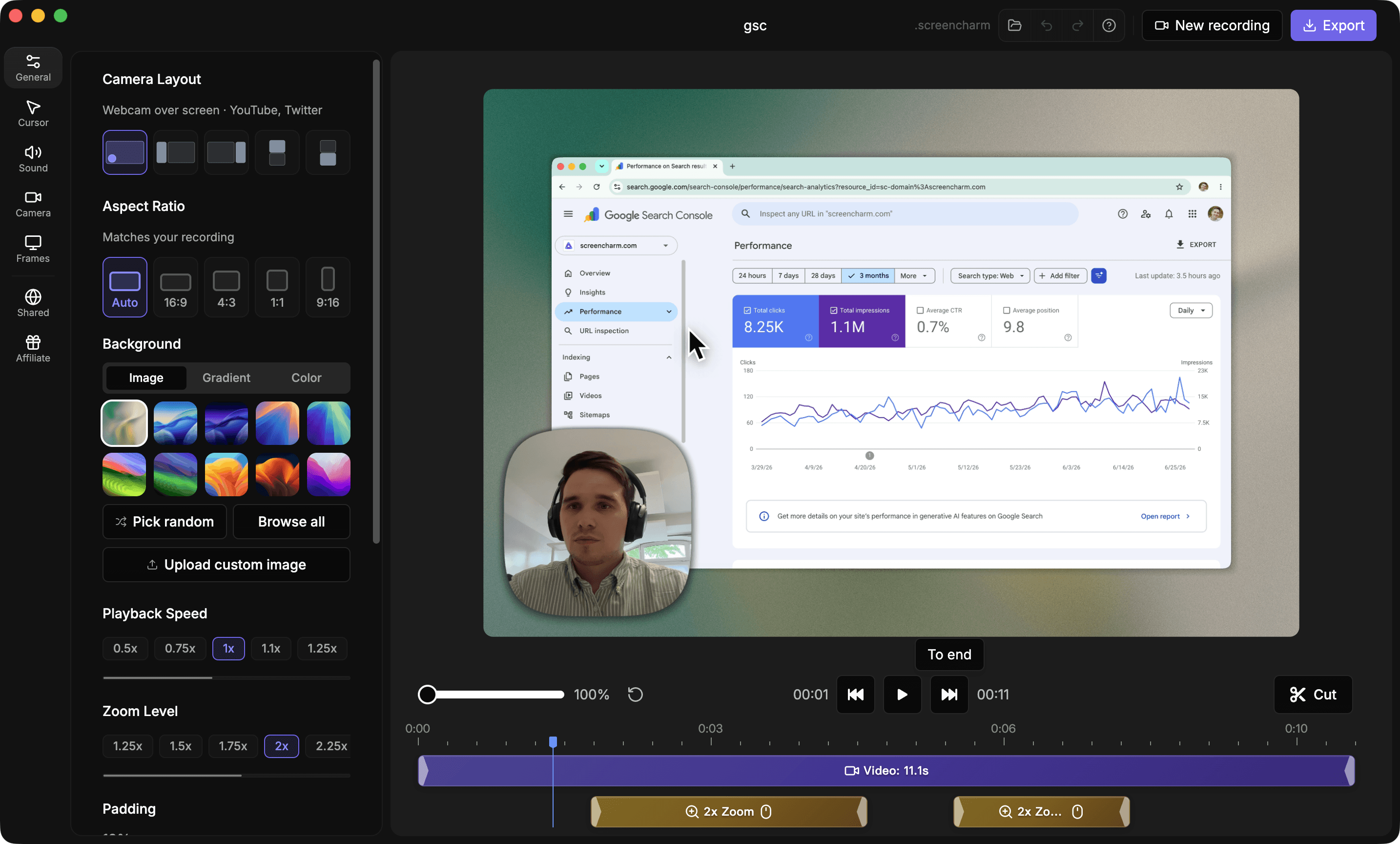
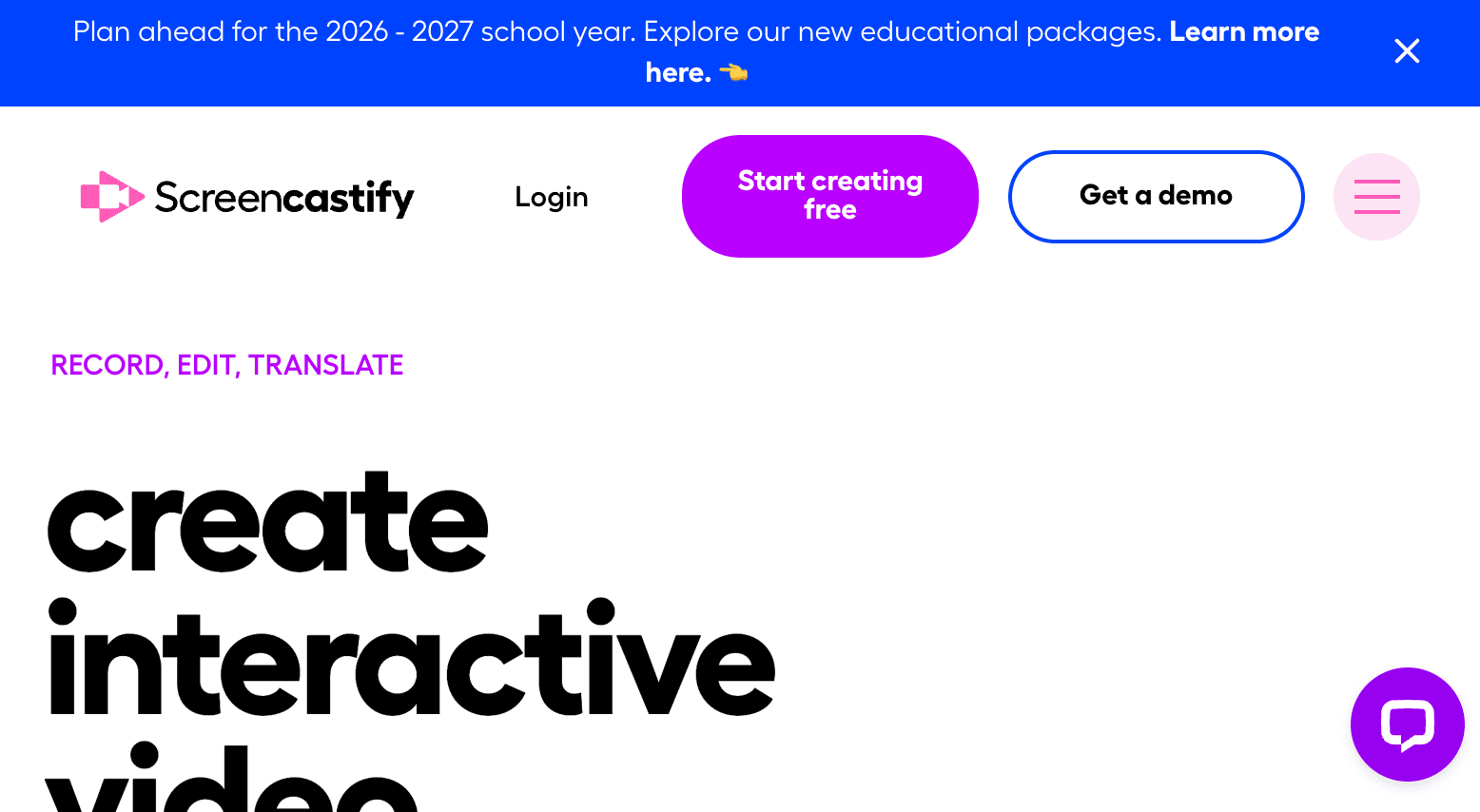
A quick visual look at the Screen Charm homepage and the Screencastify landing page before you compare features, pricing, and workflow.
Use Screen Charm when
You want a polished Mac screen recorder with auto-zoom, cursor effects, motion blur, and local 4K export for product demos and tutorials. One-time $79.
Use Screencastify when
You are an educator or student who wants a simple Chrome extension to record and share lessons, assignments, and instructional videos through Google Classroom.
Screen Charm vs Screencastify: feature comparison
A practical side-by-side for Mac creators comparing polish, pricing, recording workflow, export control, and sharing.
Pricing
One-time purchase
Screen Charm
Screencastify
Free tier available
Screen Charm
Screencastify
Subscription required for unlimited videos
Screen Charm
Screencastify
Works without account signup
Screen Charm
Screencastify
Recording
Native Mac app
Screen Charm
Screencastify
Chrome extension
Screen Charm
Screencastify
Full screen recording
Screen Charm
Screencastify
System audio capture
Screen Charm
Screencastify
Webcam overlay
Screen Charm
Screencastify
Works offline
Screen Charm
Screencastify
4K recording
Screen Charm
Screencastify
Visual Polish
Automatic zoom on clicks
Screen Charm
Screencastify
Cursor spotlight and effects
Screen Charm
Screencastify
Automatic motion blur
Screen Charm
Screencastify
Background music
Screen Charm
Screencastify
Branded backgrounds
Screen Charm
Screencastify
Device frames
Screen Charm
Screencastify
Editing
Built-in trim editor
Screen Charm
Screencastify
AI caption generation
Screen Charm
Screencastify
AI translation (90+ languages)
Screen Charm
Screencastify
Interactive questions and polls
Screen Charm
Screencastify
Google Classroom integration
Screen Charm
Screencastify
Export & Sharing
Local MP4 export
Screen Charm
Screencastify
No cloud upload required
Screen Charm
Screencastify
Instant link sharing
Screen Charm
Screencastify
Google Drive upload
Screen Charm
Screencastify
| Feature |  |  |
|---|---|---|
| Pricing | ||
| One-time purchase | ||
| Free tier available | ||
| Subscription required for unlimited videos | ||
| Works without account signup | ||
| Recording | ||
| Native Mac app | ||
| Chrome extension | ||
| Full screen recording | ||
| System audio capture | Browser audio only | |
| Webcam overlay | ||
| Works offline | ||
| 4K recording | Pro plan | |
| Visual Polish | ||
| Automatic zoom on clicks | ||
| Cursor spotlight and effects | ||
| Automatic motion blur | ||
| Background music | ||
| Branded backgrounds | ||
| Device frames | ||
| Editing | ||
| Built-in trim editor | ||
| AI caption generation | Pro plan | |
| AI translation (90+ languages) | Pro plan | |
| Interactive questions and polls | Starter plan | |
| Google Classroom integration | ||
| Export & Sharing | ||
| Local MP4 export | Pro plan | |
| No cloud upload required | ||
| Instant link sharing | ||
| Google Drive upload | ||
Screencastify
Free (10 videos), Starter $7/mo, Pro $10/mo
Screencastify's free plan limits you to 10 videos and 30-minute recordings. Paid plans start at $7/month billed annually.
Price takeaway
Screencastify is subscription-based and focused on education. Screen Charm is $79 once for individual Mac creators and does not require a monthly payment.
Key differences between Screen Charm and Screencastify
Different audiences
Screen Charm: Built for Mac creators who need polished product demos, tutorials, and SaaS walkthroughs.
Screencastify: Built for K-12 educators and students for lesson recording, flipped classrooms, and video assignments.
Recording approach
Screen Charm: Native Mac app with automatic zoom on clicks, cursor effects, motion blur, and background music out of the box.
Screencastify: Chrome extension with basic screen recording, webcam overlay, and drawing tools. No auto-zoom or visual polish.
Data and privacy
Screen Charm: Everything stays local on your Mac. No upload, no account.
Screencastify: Videos are stored in the cloud. Screencastify is COPPA and FERPA compliant for educational use.
Choose Screen Charm if
- You record product demos, SaaS walkthroughs, or tutorials on a Mac.
- You want automatic zoom, cursor effects, motion blur, and background music.
- You want local 4K MP4 export without a cloud account.
- You prefer a one-time $79 purchase over a monthly subscription.
- You are a founder, developer, or designer, not an educator.
Choose Screencastify if
- You are a teacher recording lessons for students.
- You use Google Classroom or Google Drive for content distribution.
- You want interactive questions and polls in your videos.
- You want AI translations for educational content.
- You need a browser extension with no software to install.
Frequently asked questions
Is Screencastify free?
Screencastify has a free plan limited to 10 total videos and 30 minutes per recording. After that you need Starter ($7/month) or Pro ($10/month). Screen Charm is a one-time $79 purchase with no limits.
Does Screencastify work on Mac?
Screencastify is a Chrome extension and works in the Chrome browser on Mac. It is not a native Mac app. Screen Charm is a dedicated native Mac app.
Can Screencastify record system audio?
Screencastify can capture audio from a Chrome browser tab. Capturing full system audio from Mac is limited compared to a native app. Screen Charm captures system audio natively.
Who uses Screencastify?
Screencastify is used by over 12 million educators and students worldwide for creating lessons, walkthroughs, and video assignments. Screen Charm is used by founders, developers, and designers making polished product demo videos.
Compare Screen Charm with other tools
Create polished Mac recordings for a one-time price
Screen Charm gives you auto-zoom, captions, pause and resume, webcam overlay, system audio, cursor effects, and 4K export without a monthly subscription.