Short answer: Choose ScreenFlow if you work only on a Mac and want a capable screen recording editor for a one-time $199. Choose Camtasia if you need Windows support, interactive quizzes, a larger template library, or AI tools like text-based editing and voiceovers, and you're fine with an annual subscription.
Both tools combine a screen recorder with a multi-track timeline editor. The main differences are platform, pricing model, and how far each goes beyond editing.
Camtasia vs ScreenFlow at a Glance
| Camtasia | ScreenFlow | |
|---|---|---|
| Pricing | Essentials $179.88/year, Create $249/year, Pro $599/year | $199 one-time |
| Platform | macOS and Windows | macOS only |
| Multi-track timeline | Yes | Yes |
| Annotations and callouts | Yes, large library | Yes |
| Cursor and click effects | Yes | Yes |
| Quizzes and SCORM export | Yes | No |
| iPhone and iPad recording | No | Yes |
| Text-based editing | Yes (Create and Pro) | No |
| Stock media | Included on Pro | Optional, $99/year |
| Best for | Training, courses, cross-platform teams | Mac tutorials, YouTube, screencasts |
Where Camtasia Wins: Training Features and Cross-Platform Teams
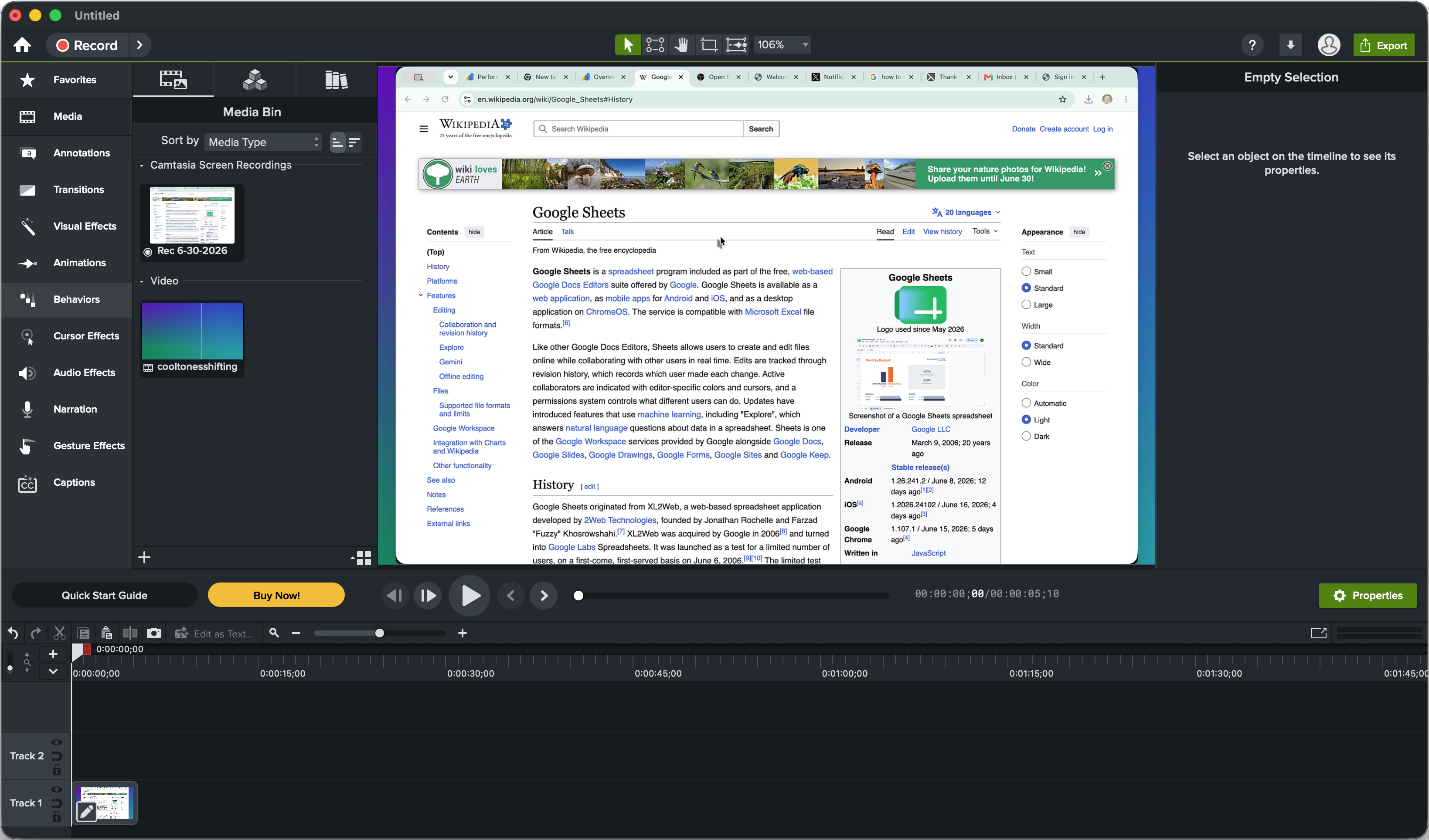
Camtasia from TechSmith is built for instructional video. On top of the timeline editor, it includes annotations, callouts, arrows, cursor effects, transitions, templates, and interactive quizzes that export to learning management systems via SCORM.
It runs on both macOS and Windows, which matters for training teams with mixed hardware. Higher plans add AI features: Create includes text-based editing, AI scripts, AI voiceovers, and audio cleanup, and Pro adds avatars, translation, dubbing, 100M+ stock assets, and Screencast hosting for review.
The downside is price and weight. Camtasia is subscription-only now, and the full feature set costs up to $599 per year.
Sponsored by the makers
Tired of boring screen recordings?
Try Screen Charm.
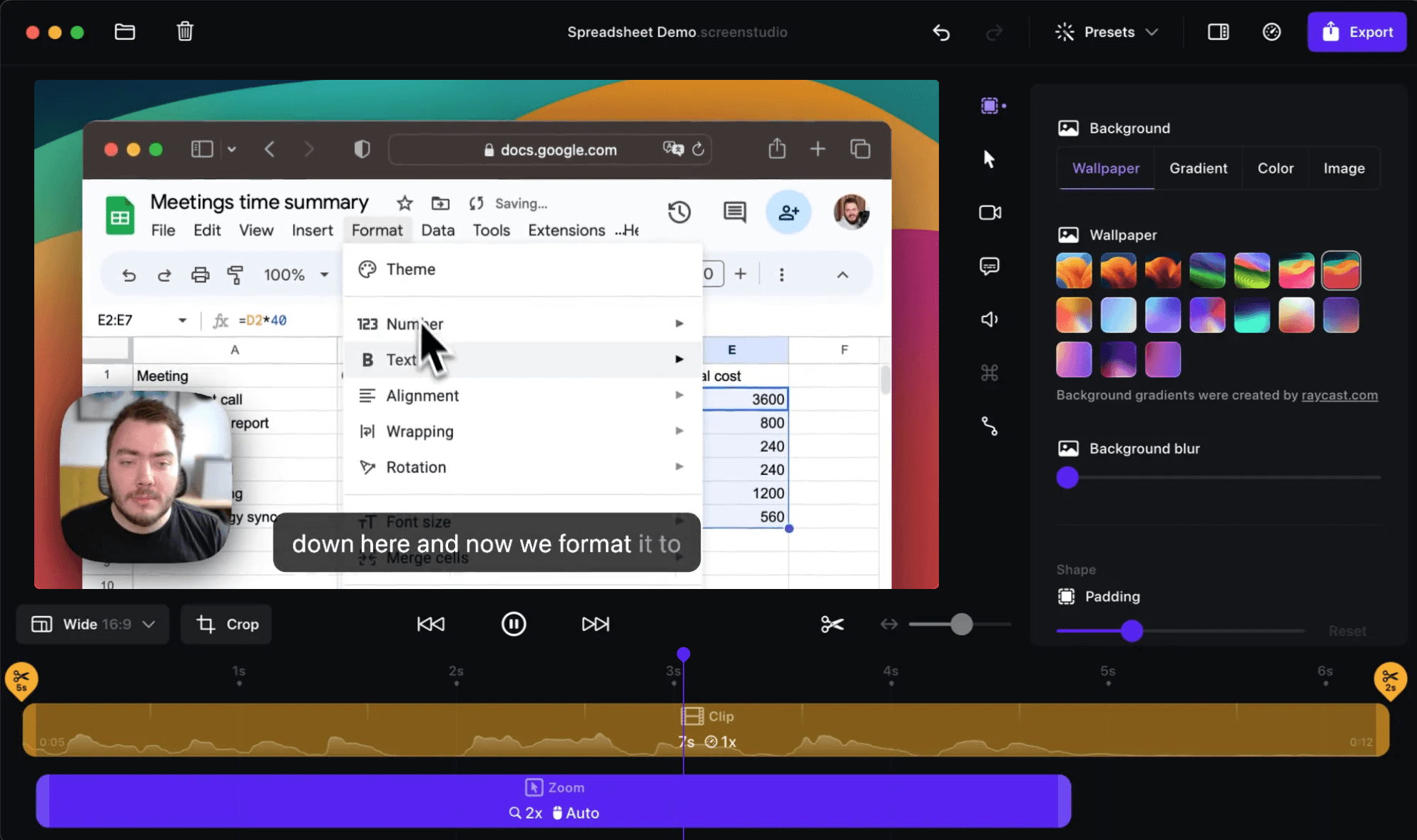
Auto-zoom, captions, motion blur, camera overlay and a vertical layout for Shorts. Record once, export a polished video.
Screen Charm is a native macOS app.
Where ScreenFlow Wins: Mac-Native Editing for a One-Time Price
ScreenFlow from Telestream is a Mac-only screen recording editor. It records screen, webcam, microphone, system audio, and connected iPhone or iPad screens, then puts every source on its own timeline track.
Editing covers what most tutorial creators need: text, callouts, cursor highlights, click effects, transitions, freeze frames, captions, and direct publishing to YouTube and other platforms. It feels fast and native on Apple silicon Macs.
The main appeal is the license. ScreenFlow costs $199 once. The Stock Media Library ($99/year) and Premium Support ($59/year) are optional, and new major versions have typically been paid upgrades.
Pricing Over Three Years
| Year 1 | 3-year total | |
|---|---|---|
| ScreenFlow (no add-ons) | $199 | $199 |
| Camtasia Essentials | $179.88 | $539.64 |
| Camtasia Create | $249 | $747 |
| Camtasia Pro | $599 | $1,797 |
For a solo Mac creator, ScreenFlow is clearly the cheaper editor. Camtasia's price makes more sense for teams that use its quizzes, templates, AI features, and Windows support.
Which One Should You Choose?
Choose Camtasia if:
- Your team uses Windows as well as Mac
- You build courses or training with quizzes and SCORM export
- You want text-based editing, AI voiceovers, or translation
- You want a large template and asset library
Choose ScreenFlow if:
- You work only on a Mac
- You want a one-time license instead of a subscription
- You record iPhone or iPad apps
- You make tutorials, YouTube videos, or screencasts and don't need quizzes
A Third Option: Skip the Timeline for Short Demos
Both Camtasia and ScreenFlow expect you to build polish by hand on a timeline. For short product demos and tutorials on a Mac, Screen Charm adds automatic zoom on clicks, cursor effects, motion blur, background music, captions, webcam overlay, system audio, and 4K export as you record, for $79 once.
It isn't a replacement for a full editor on long courses. Compare it directly in Screen Charm vs Camtasia and Screen Charm vs ScreenFlow, or see the best screen recording editing software for Mac.
Frequently Asked Questions
Is Camtasia better than ScreenFlow?
Camtasia is better for training content, cross-platform teams, and AI-assisted editing. ScreenFlow is better value for Mac-only creators who want a capable editor for a one-time price.
Is ScreenFlow cheaper than Camtasia?
Yes. ScreenFlow costs $199 once. Camtasia Essentials costs $179.88 per year, so it costs more than ScreenFlow after the first year.
Does ScreenFlow work on Windows?
No. ScreenFlow is Mac only. Camtasia runs on both macOS and Windows.
Can I still buy Camtasia as a one-time purchase?
No. TechSmith now sells Camtasia as an annual subscription: Essentials $179.88/year, Create $249/year, and Pro $599/year.
Which is easier to learn, Camtasia or ScreenFlow?
Both are approachable for beginners. ScreenFlow feels lighter and more Mac-like, while Camtasia has more features and templates to learn.